Introduction
The Xbox Elite Controller is a gamer’s preferred choice due to its high-quality design and customizable options. However, issues such as a malfunctioning RB (right bumper) button can disrupt the gaming experience. This guide aims to help you resolve this common issue. Fixing the RB button might appear challenging, but with the right guidance and tools, you can restore your controller to optimal performance.
Identifying the Problem with the RB Button
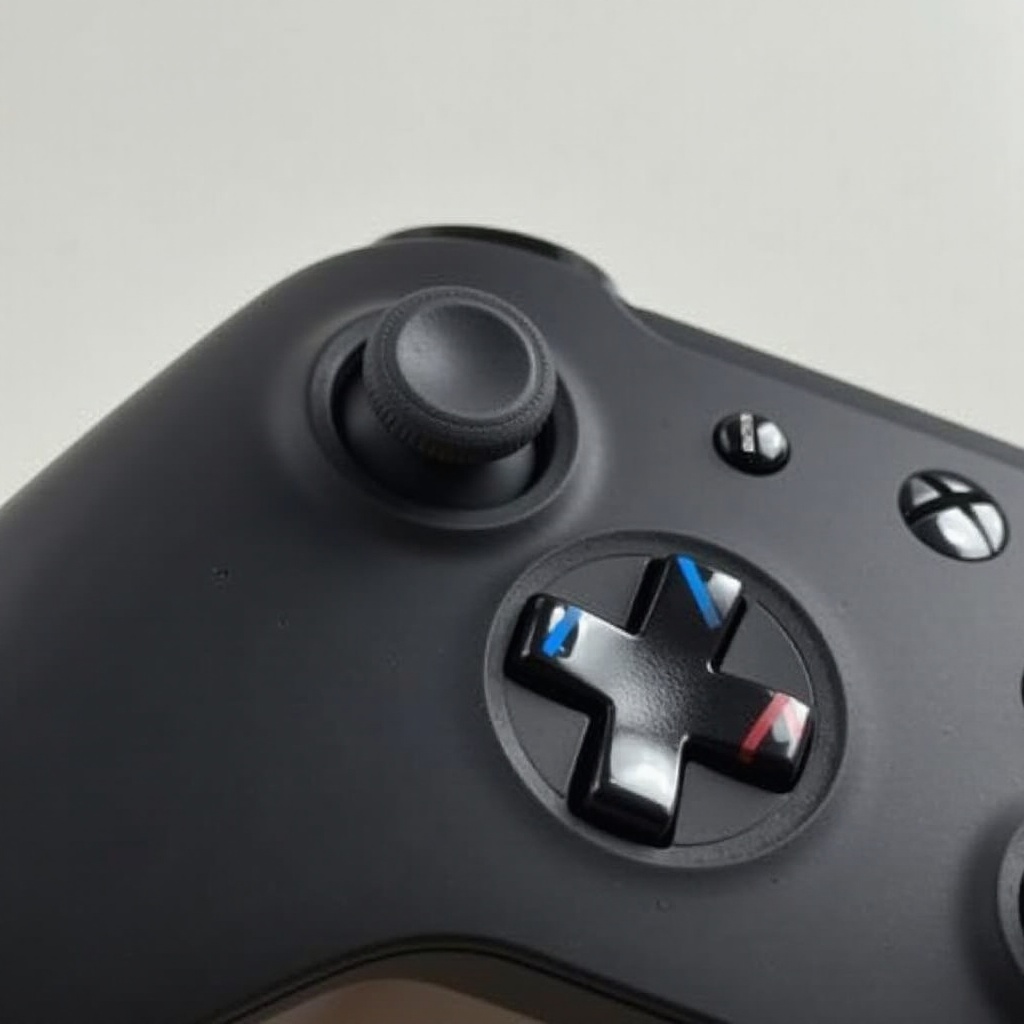
Before you begin repairs, it is crucial to understand the specific issues with your RB button. A button that doesn’t work properly could either be unresponsive or sticky. Recognizing the symptoms and underlying causes is essential for a successful fix.
Symptoms of a Faulty RB Button
- Unresponsive or delayed reaction when pressed.
- The button feels stuck or has uneven resistance.
- Noticeable difference in feedback compared to other buttons.
Common Causes of RB Button Malfunction
- Dirt and Debris Buildup: Dust and grime can collect under the button, leading to decreased sensitivity.
- Wear and Tear: Regular use can cause wear, impacting the button’s mechanism.
- Component Misalignment: Internal parts could displace, affecting functionality.
Understanding these issues can lead you to the right path for fixing the problem.
Preparing for the Fix
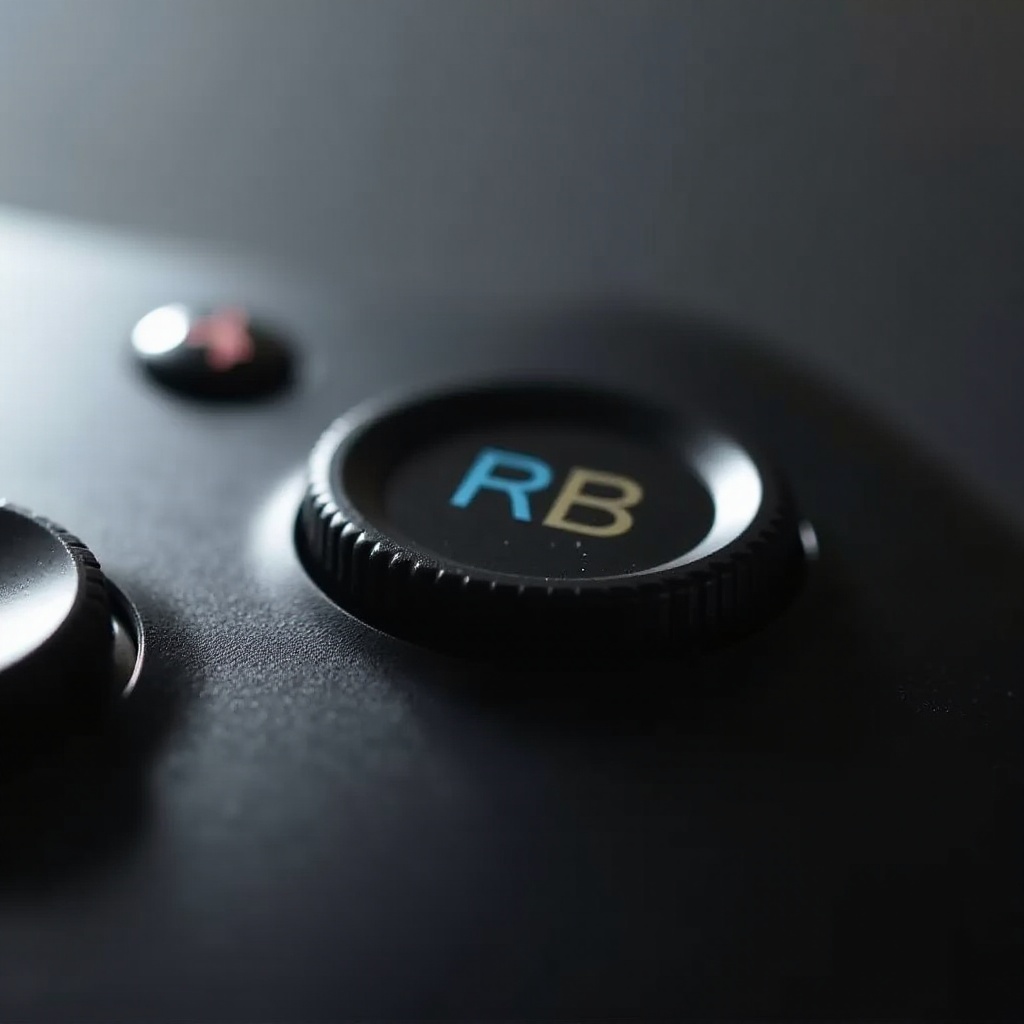
Now that you have identified the possible problems, it’s time to gather your tools and set up a clean, organized workspace to perform the repair.
Gather Necessary Tools and Materials
- Precision screwdriver set
- Plastic spudger or opening tool
- Isopropyl alcohol and cotton swabs for cleaning
- Replacement parts if deemed necessary
Important Safety Precautions
- Work in a well-lit, clutter-free environment.
- Handle all parts with care to avoid breakage.
- Keep screws and small pieces in a safe place to prevent loss.
With everything in place, you’re ready to proceed with fixing your controller.
Step-by-Step Guide to Repairing the RB Button
The repair process involves careful disassembly, fixing the issue, and then reassembling the controller. Let’s go through the steps in detail.
Disassembling the Xbox Elite Controller Safely
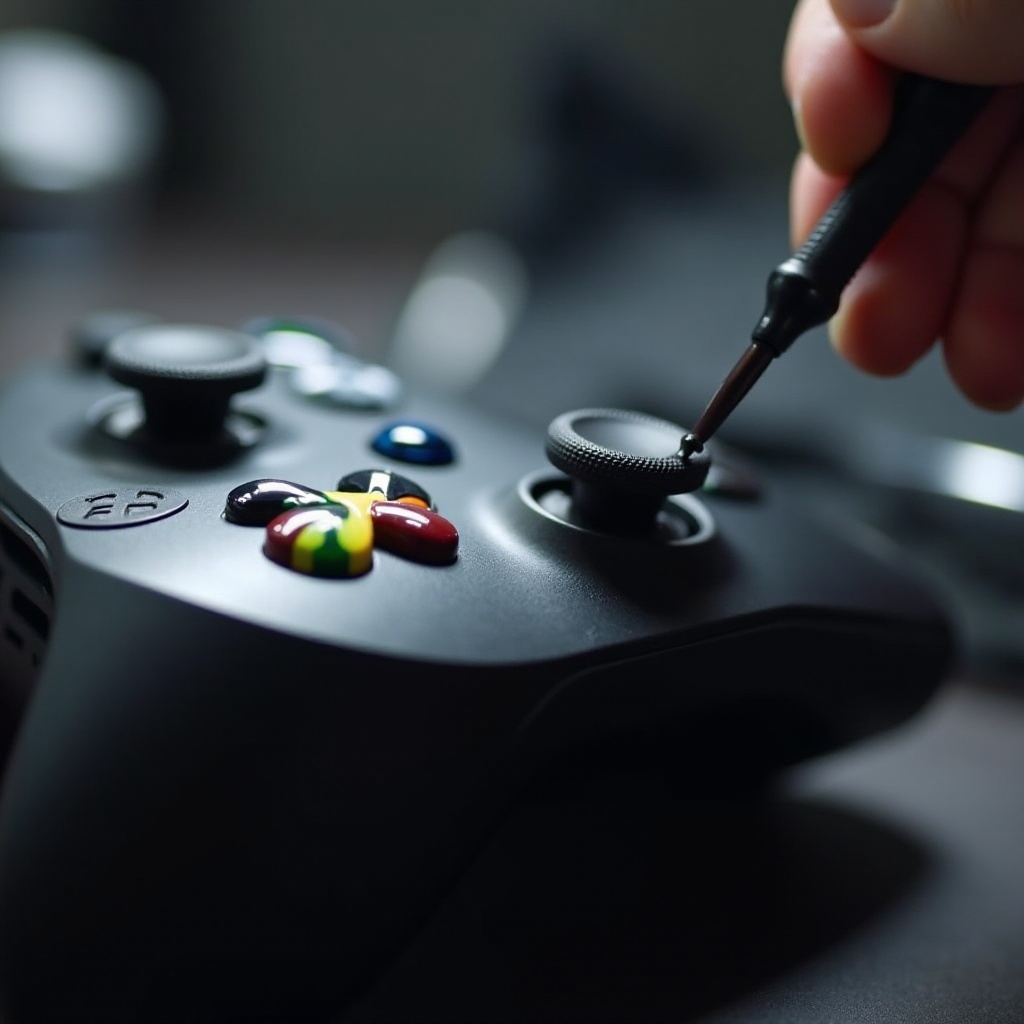
- Using the spudger, gently pry open the back cover.
- Remove the battery pack, if equipped.
- Unscrew the fasteners holding the front panel using the screwdriver.
Cleaning and Fixing the RB Button Mechanism
- Inspect the button for any visible dirt or obstruction.
- Use a cotton swab dipped in isopropyl alcohol to clean around the mechanism.
- Check for misalignment or damage and correct accordingly.
Reassembling the Controller and Checking Fit
- Carefully align the front panel back onto the controller and secure it with screws.
- Reinsert the battery pack.
- Fit the back cover onto the controller, ensuring it snaps into place securely.
After reassembling, it’s necessary to test the functionality of your repair work.
Testing the Repaired Controller
To confirm that the RB button is functioning as expected, connect your controller to a console or PC and engage in a game. Test the button through gameplay to ensure it operates smoothly with no delays. If issues persist, it may be necessary to address the repair again or consult a professional.
Preventive Maintenance Tips for Longevity
Regular maintenance is key to avoiding future problems with your Xbox Elite Controller. Implementing simple habits can extend your controller’s life and maintain its performance.
- Clean the exterior regularly to prevent dirt accumulation.
- Store the controller in a dust-free environment when not in use.
- Use the buttons gently during gameplay to prevent unnecessary wear.
These small steps can greatly contribute to the durability and reliability of your device.
Conclusion
Repairing the RB button on your Xbox Elite Controller is a task you can confidently handle by following the steps outlined. With regular care and mindful usage, your controller will serve you well for more gaming sessions. Should complications persist, professional repair services provide an alternative solution.
Frequently Asked Questions
What should I do if the RB button still doesn’t work after repair?
If the button is still unresponsive, consider professional repair services for a potentially deeper issue.
Can I use household items for cleaning the controller?
Yes, using a microfiber cloth and isopropyl alcohol is safe and effective for cleaning your controller.
Is it worth repairing or should I consider buying a new controller?
Repairing is often cost-effective if the rest of the controller is in good condition, but extensive damage may warrant a new purchase.