Introduction
Sony TVs are known for their exceptional picture quality and sound performance. However, like any electronic device, they can encounter issues over time. If your Sony TV isn’t functioning correctly, it can disrupt your viewing experience. In this guide, we’ll explore common problems and offer solutions to help you troubleshoot and fix your TV.
Common Sony TV Problems and How to Identify Them
Understanding the symptoms of your TV’s issues is the first step in resolving them. Identifying whether the problem lies with the screen, sound, or power is crucial.
Screen Issues
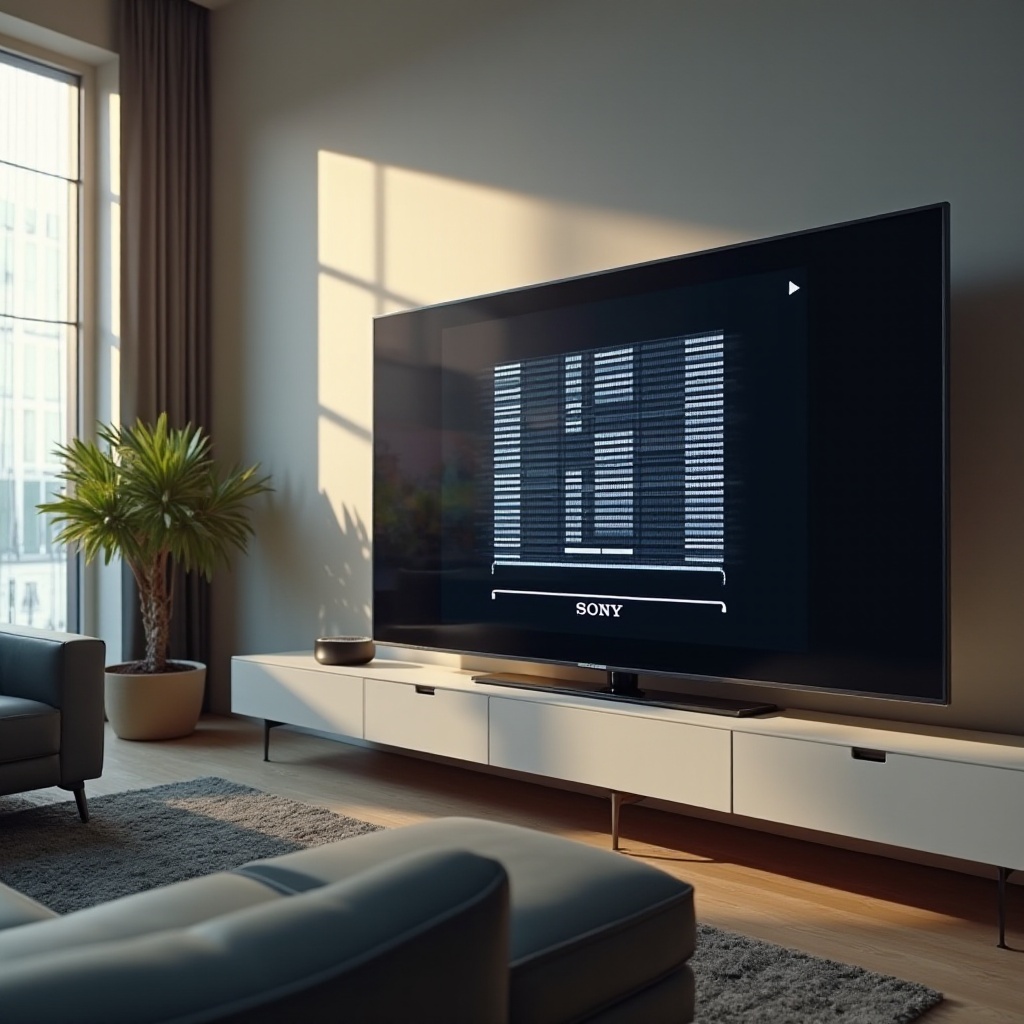
Screen issues may include flickering, dead pixels, or lines across the display. A compromised display can affect the overall viewing experience and sometimes indicate a deeper issue.
Sound Problems
Audio problems can manifest as a lack of sound, poor quality, or audio-visual sync issues. These problems may stem from the internal audio components or external connections.
Power Failures
Power failures could cause the TV to not power on or to shut off unexpectedly. It’s essential to differentiate between a power supply issue and a more complex internal failure.
Basic Troubleshooting Steps
Once you’ve identified the problem, you can begin troubleshooting with some fundamental steps that often resolve minor issues without needing expert intervention.
Checking Power and Connections
Start by ensuring all cables are connected securely. Check the power outlet for functionality. Sometimes, a faulty power strip could be the root of the issue.
Resetting Your Sony TV
A simple reset often resolves temporary glitches. Turn off the TV and unplug it for about a minute before plugging it back in. This can refresh the system and clear minor errors.
Examining External Device Connections
Disconnect all external devices to rule out conflicts. Reconnect them one by one to pinpoint any device that might be interfering with your TV’s operation.
Advanced Troubleshooting for Sony TVs
If the basic troubleshooting steps don’t solve the problem, you may need to delve deeper into the issue by considering advanced troubleshooting methods.
Performing Software and Firmware Updates
Outdated software can lead to performance issues. Visit Sony’s support website to check for firmware updates and follow their instructions to install them.
Diagnosing Hardware Issues
For suspected hardware problems, listen for unusual noises and look for visible signs of damage. Carefully removing the back panel can provide further insights, but only attempt this if you are comfortable working with electronics.
Utilizing Built-in Diagnostic Tools
Use your TV’s built-in diagnostic tools to help identify less obvious issues. These features can guide you through a series of tests designed to highlight problems.
DIY Repairs for Common Sony TV Issues
For those inclined to handle their own repairs, certain common issues can be addressed without professional help.
Fixing Screen Display Problems
Attempt minor screen issue repairs using pixel-fixing videos. However, more severe screen damage, such as cracks, likely requires professional replacement.
Resolving Audio Problems
Ensure the TV’s audio settings are correctly configured. Test different audio modes and replace any faulty cables connecting external speakers or devices.
Addressing Power Issues
Critical power issues may involve inspecting the internal power board or fuse replacement. Approach this cautiously to avoid electrical hazards and, when in doubt, consult a professional.
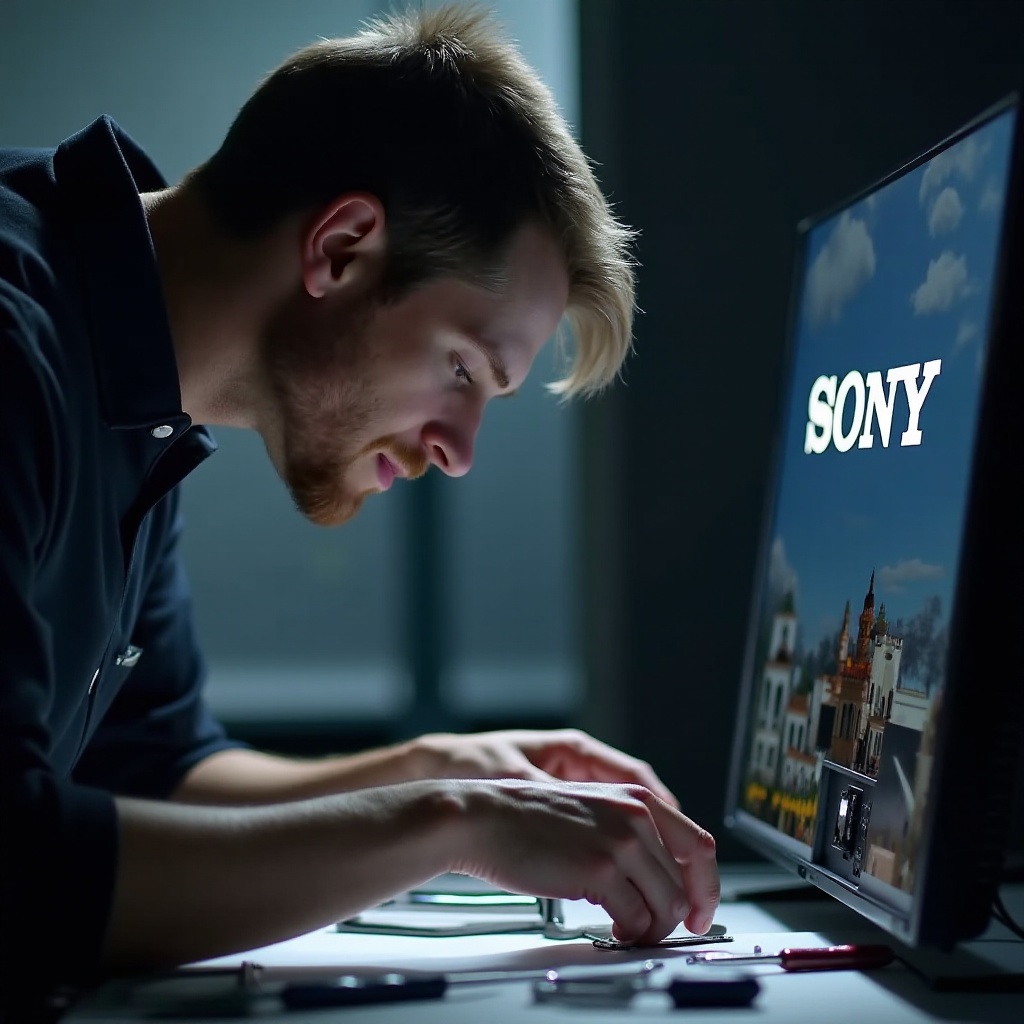
When to Seek Professional Repair Services
While DIY fixes can address many issues, knowing when to seek professional support can prevent further damage and help you avoid costly mistakes.
Symptoms Indicating Professional Assistance Needed
Call in a professional for cracked screens, unresponsive TVs, or repair attempts that have failed. Proper assessment by a trained technician is advisable for serious issues.
How to Choose a Reliable Repair Service
Research nearby repair services, focusing on customer reviews and service guarantees. Choose technicians with Sony certification or those endorsed by trusted consumer organizations.
Conclusion
Maintaining a fully functional Sony TV requires understanding common problems and applying effective fixes. By starting with simple troubleshooting and progressing to advanced methods, you can address most issues. Always consider professional help when self-repair risks further damage.
Frequently Asked Questions
How much does it typically cost to repair a Sony TV screen?
Repairing a Sony TV screen can range from $100 to $400 depending on the extent of the damage and model type.
What should I do if my Sony TV won’t turn on?
Check all connections and power sources first. Try a reset by unplugging the TV for a minute and plugging it back in. If it doesn’t work, consult a technician.
Can I update the firmware on my Sony TV myself?
Yes, updating the firmware is straightforward. Visit Sony’s official website, download the update file, and follow their instructions for installation.