Introduction
Dealing with a phone that won’t output sound through the earphone jack can be extremely frustrating. For those who depend on their phones for music, calls, or podcasts, a malfunctioning earphone jack disrupts daily life. This guide helps you navigate the common causes and effective troubleshooting steps to resolve issues with your phone’s earphone jack.
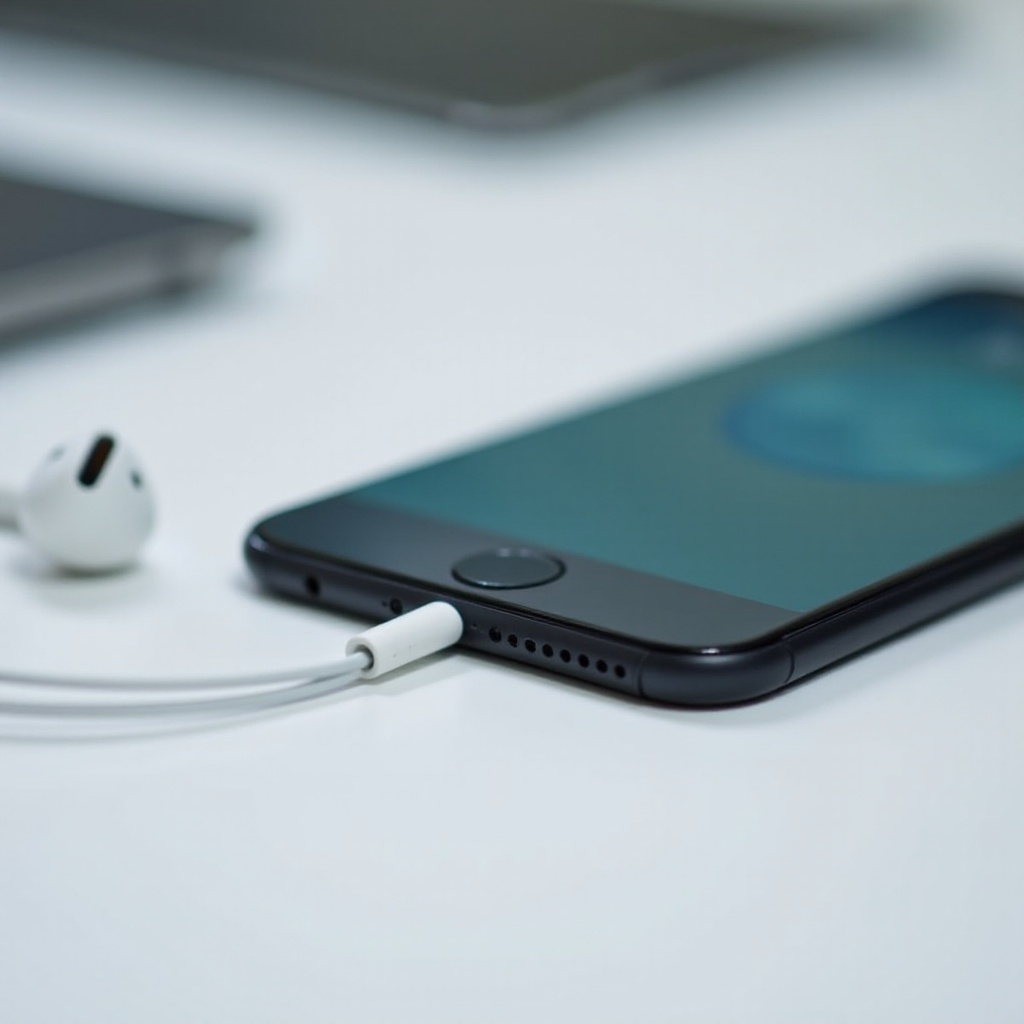
Identifying the Problem
Before you can fix the issue, you need to determine precisely what’s wrong. Identifying whether it’s a hardware or software problem is essential.
-
Signs of a Faulty Earphone Jack: Lack of sound through earphones, noise interference, or only one earphone working are classic signs. Sound playing from phone speakers when earphones are plugged in is another indicator.
-
Distinguishing Between Physical and Software Issues: Test your earphones on another device to see if they work, as this will help determine if the problem lies with your phone. Similarly, test other earphones on your phone. This cross-verification helps in narrowing down whether the issue is hardware or software-related.
Physical Inspection and Maintenance
Once you have identified whether the fault is with your phone, begin with physical inspection.
-
Checking for Obstructions and Debris: Dust or lint may accumulate and block connectivity. Inspect the jack with a flashlight, looking for any visible debris.
-
Tools for Cleaning the Earphone Jack: Use a toothpick or a cotton swab slightly moistened with alcohol to carefully clean out the jack. Insert the tool gently to avoid damaging internal components.
After addressing any physical issues, you should explore software-based solutions if the problem persists.
Software Solutions
Software issues can often be the hidden culprits behind earphone jack problems. Implement the following steps to address potential software glitches:
-
Restarting and Updating the Device: Perform a simple restart, which can resolve temporary software bugs. Ensure your phone’s operating system is updated, as updates can contain important fixes for audio bugs.
-
Checking Audio Settings and Permissions: Navigate to audio settings and check that the output is set to headphones and that sound isn’t muted. Verify that apps with audio permissions are properly configured.
For persistent problems, more advanced troubleshooting may be necessary.
Advanced Troubleshooting
While basic solutions work for minor issues, more severe problems require advanced troubleshooting.
-
Testing with Different Earphones: Use another pair of earphones to confirm if the issue is with the earphones or the jack. If the new pair works, the original earphones might be at fault.
-
When to Consider a Factory Reset: As a last resort, a factory reset may be required. A factory reset restores phone settings to default but erases all data, so ensure that you back up essential files before proceeding.
If these solutions do not resolve the issue, it may be time to explore repair or replacement options.
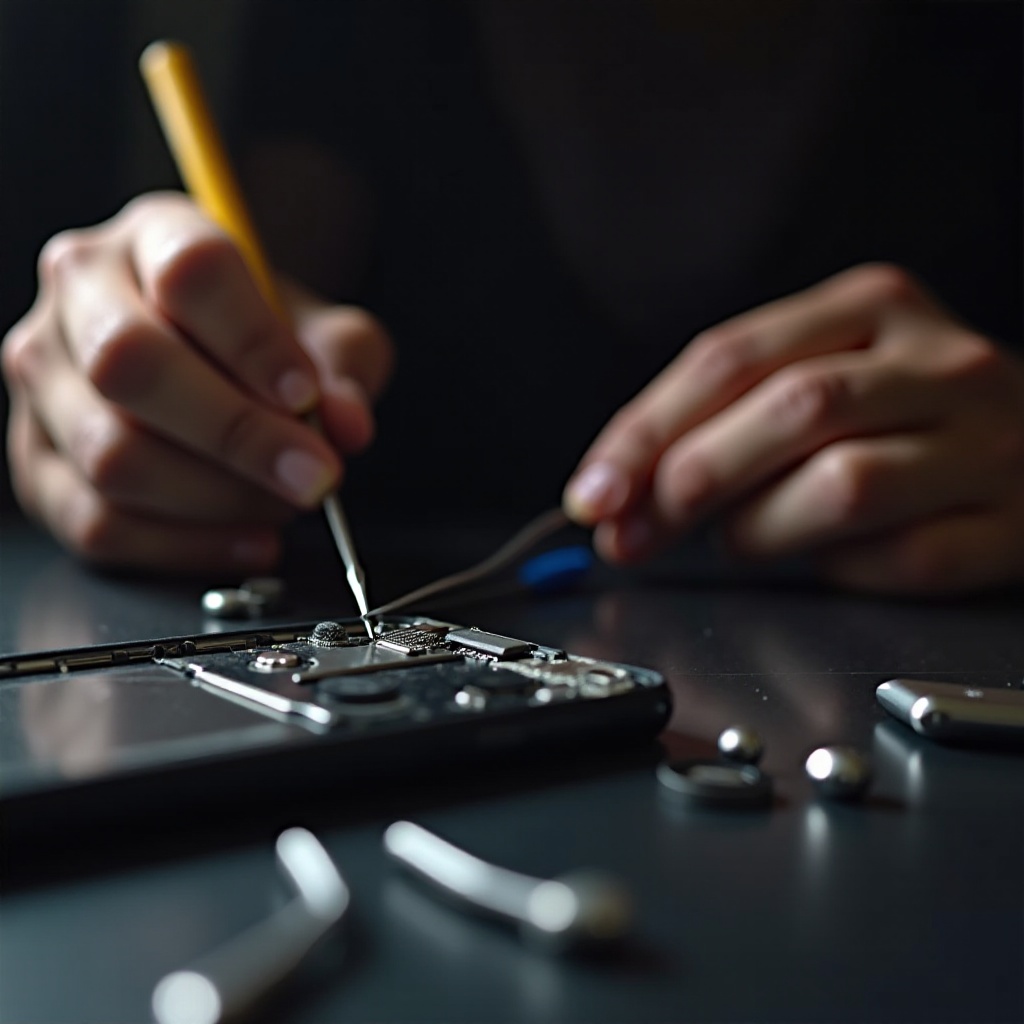
Repair and Replacement Options
Sometimes, the damage may be beyond quick fixes, requiring more serious measures.
-
DIY vs. Professional Repair: Individuals with technical know-how might attempt a DIY fix, but this could void warranties. Professional repair services can offer reliable solutions with a warranty.
-
When to Consider Wireless Alternatives: If repairs seem costly or impractical, wireless headphones are a viable alternative. They offer convenience and often improved audio fidelity.
Preventive measures can help protect your phone’s earphone jack from future issues.
Preventive Measures
Avoid reoccurrence of issues by practicing good maintenance habits.
-
Routine Maintenance Tips: Clean the earphone jack periodically to prevent debris buildup. Use a dust cap when the headphones are not in use.
-
Choosing Compatible Accessories: Use accessories specifically designed for your phone model to avoid compatibility issues that can lead to malfunction.
Conclusion
Addressing an earphone jack problem involves identifying whether it is a hardware or software issue, followed by implementing the appropriate solution. If troubleshooting fails, consider repair or wireless alternatives as a long-term solution. Repeated routine maintenance will help keep your earphone jack trouble-free.
Frequently Asked Questions
How can I tell if my earphone jack is damaged physically?
Check for visual damage. If the connection feels loose or the plug does not fit snugly, physical damage might be present.
What should I do if my phone’s audio works without earphones?
Verify audio settings on your phone and ensure the headphone jack is selected as the output source. Confirm that permissions for audio apps are correctly set.
Are there any reliable apps to diagnose earphone jack problems?
Yes, several diagnostic apps are available for Android and iOS that can help identify hardware and software issues with the audio output, including the earphone jack.