Introduction
A flashing power light on your Sharp TV is more than just a minor inconvenience; it can disrupt your viewing experience. If you’re uncertain about what the flashing signifies, don’t worry. This guide will help you understand and address the problem step-by-step, ensuring your TV functions smoothly without interruption.
Understanding Your Sharp TV Power Light Indicators
The power light on your Sharp TV isn’t merely decorative; it’s a diagnostic tool. Various blinking patterns and colors serve as indicators of the internal state of your TV. A quick diagnosis can often prevent long-term issues.
- Blinking Patterns: Frequent, rapid blinking usually suggests a software-related issue, while slower, intermittent flashing might point to a hardware problem.
- Color Codes: A red flashing light typically indicates a problem that needs immediate attention, whereas a steady green or blue light often signifies standard operation or standby mode.
Understanding these indicators is crucial for diagnosing what might be wrong with your Sharp TV.
Basic Troubleshooting Steps
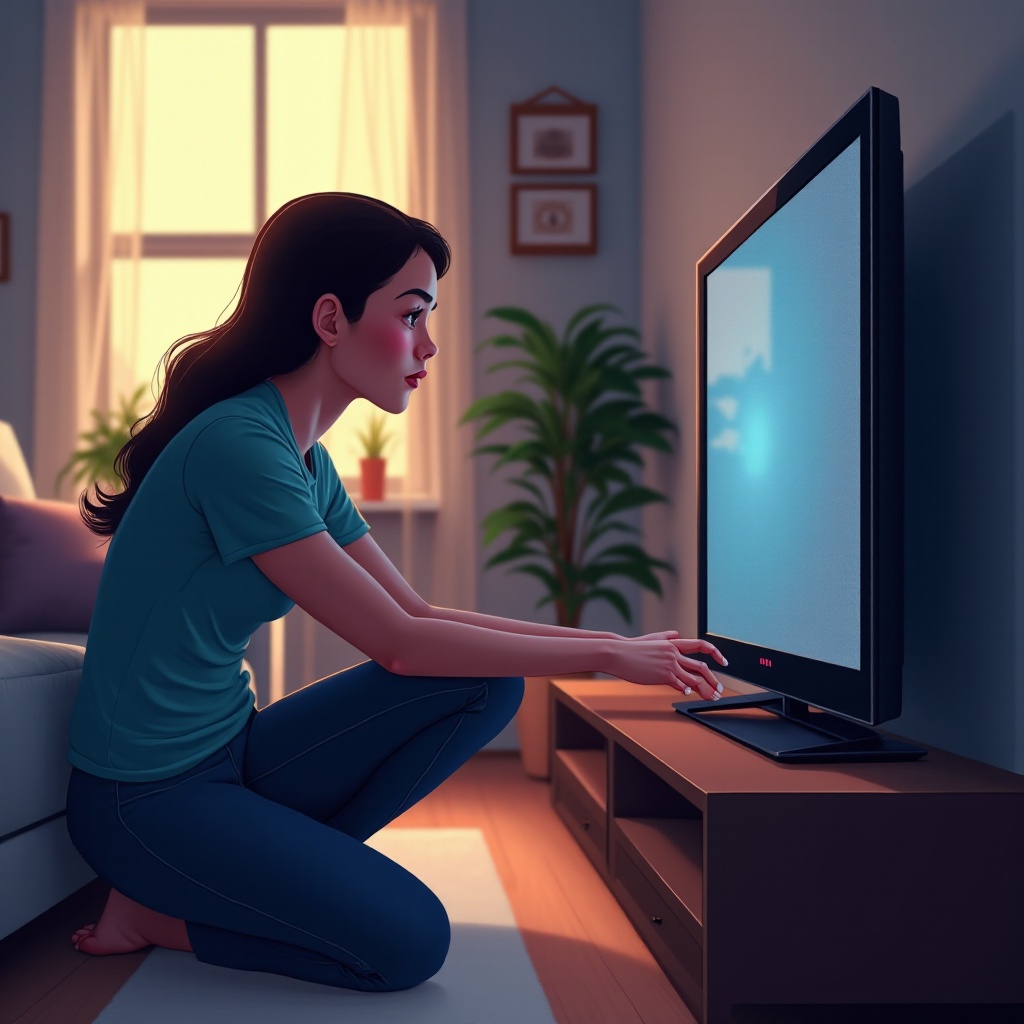
If your Sharp TV’s power light is flashing, start with these straightforward troubleshooting steps. Many issues can be resolved without delving into complex repairs.
- Check Power Connections: Ensure that the power cord is firmly connected both to the TV and the wall outlet. A loose connection can easily trigger a flashing light.
- Perform a Simple Reset: Unplug the TV, wait about a minute, and plug it back in. This process can often clear minor electronic glitches.
- Verify Source Input and Connections: Check that the input source (e.g., HDMI, cable) is correctly connected and selected. A mismatch can sometimes trigger your TV to signal an error through the power light.
These basic steps are a good starting point to potentially resolve the issue.
Advanced Diagnosis and Repair Solutions
If basic troubleshooting doesn’t do the trick, it’s time to explore more advanced solutions. These require a bit more technical know-how but can be very effective.
- Identifying Specific Error Codes: Some Sharp TVs indicate specific issues through error codes displayed in the flashing pattern. Consult your user manual or the Sharp website for guidance on interpreting these codes.
- Firmware Updates and Software Fixes: An outdated firmware can lead to compatibility issues marked by a flashing power light. Navigate to your TV settings to check and install any available updates.
- Addressing Power Supply Issues: Persistent flashing may relate to power supply problems. Examine the power supply board for visible damage or wear, and consult a professional if necessary for repairs.
By executing these steps, you can address more serious interferences in your TV’s operation.
When Professional Repair is Necessary
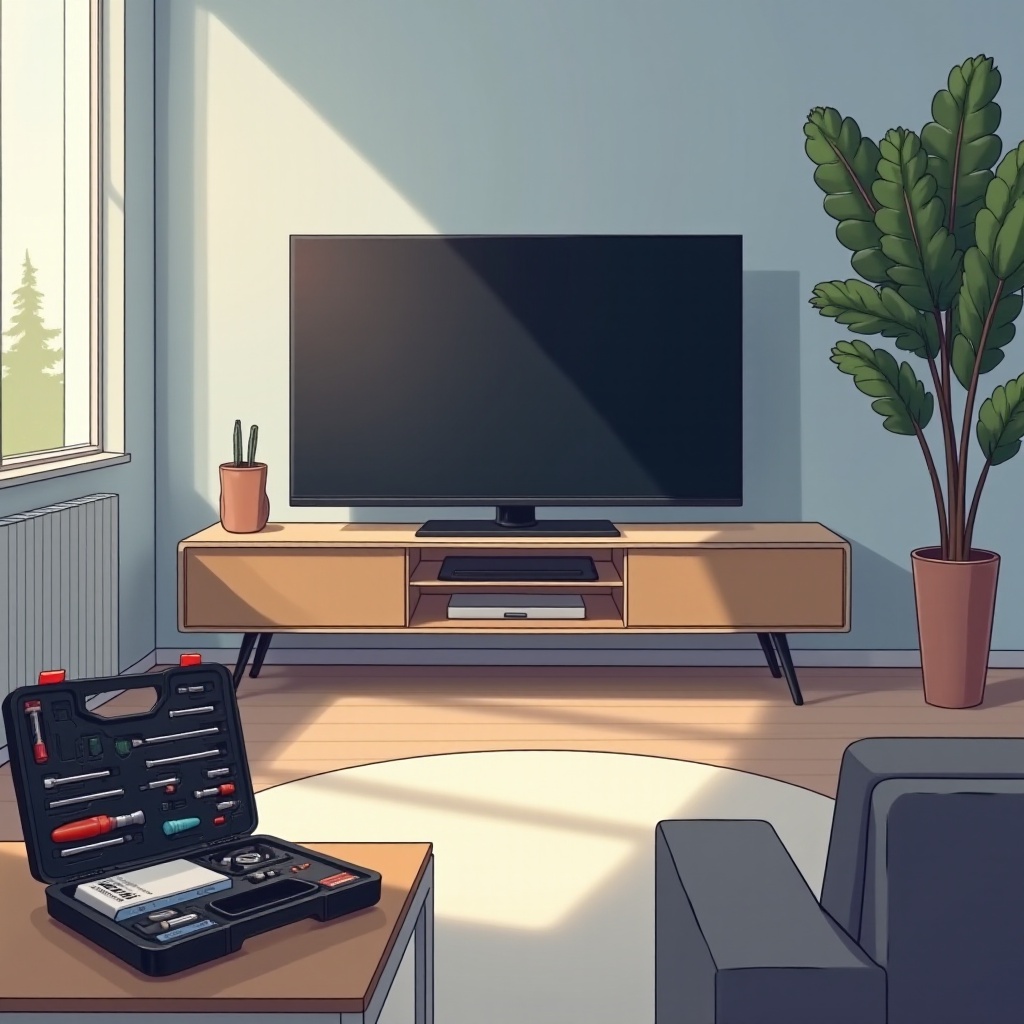
Sometimes, the complexity of the problem exceeds what you can handle on your own. Understanding when to reach out for professional help is crucial.
- Signs of Serious Hardware Malfunction: If the power light continues to flash and the TV won’t turn on or other severe symptoms appear, it may indicate a deeper hardware issue requiring professional service.
- Finding Authorized Sharp Service Centers: Ensure you contact an authorized Sharp service center for repairs. This approach guarantees that your TV gets the appropriate care with genuine parts, potentially saving money if within warranty.
When DIY solutions don’t suffice, professional services ensure that your TV is treated with the required expertise.
Conclusion
Addressing a flashing power light on your Sharp TV involves careful diagnosis, appropriate troubleshooting steps, and knowing when to consult professionals. By maintaining regular updates and checks, you can avoid many common problems ensuring an extended lifespan for your TV and a better viewing experience.
Frequently Asked Questions
What does it mean when my Sharp TV power light blinks red and blue?
A red and blue blinking pattern usually signals an internal error. Refer to the user manual for specific error code interpretation or contact customer support.
Can a flashing power light be fixed without a technician?
Many flashing power light issues can be resolved with basic troubleshooting steps. However, severe hardware issues usually require professional repair.
How often should I update my Sharp TV software?
Regularly check for firmware updates every few months or when you encounter issues, as updates can solve known problems and improve performance.