Introduction
Discovering the virtual universe through an Oculus VR headset is an unparalleled experience that comes alive with regular updates. Yet, users often find themselves questioning, ‘How long do Oculus updates take?’ In this guide, we’ll dive into the duration of these updates, explore influencing factors, and provide actionable tips to make the update process seamless and efficient.
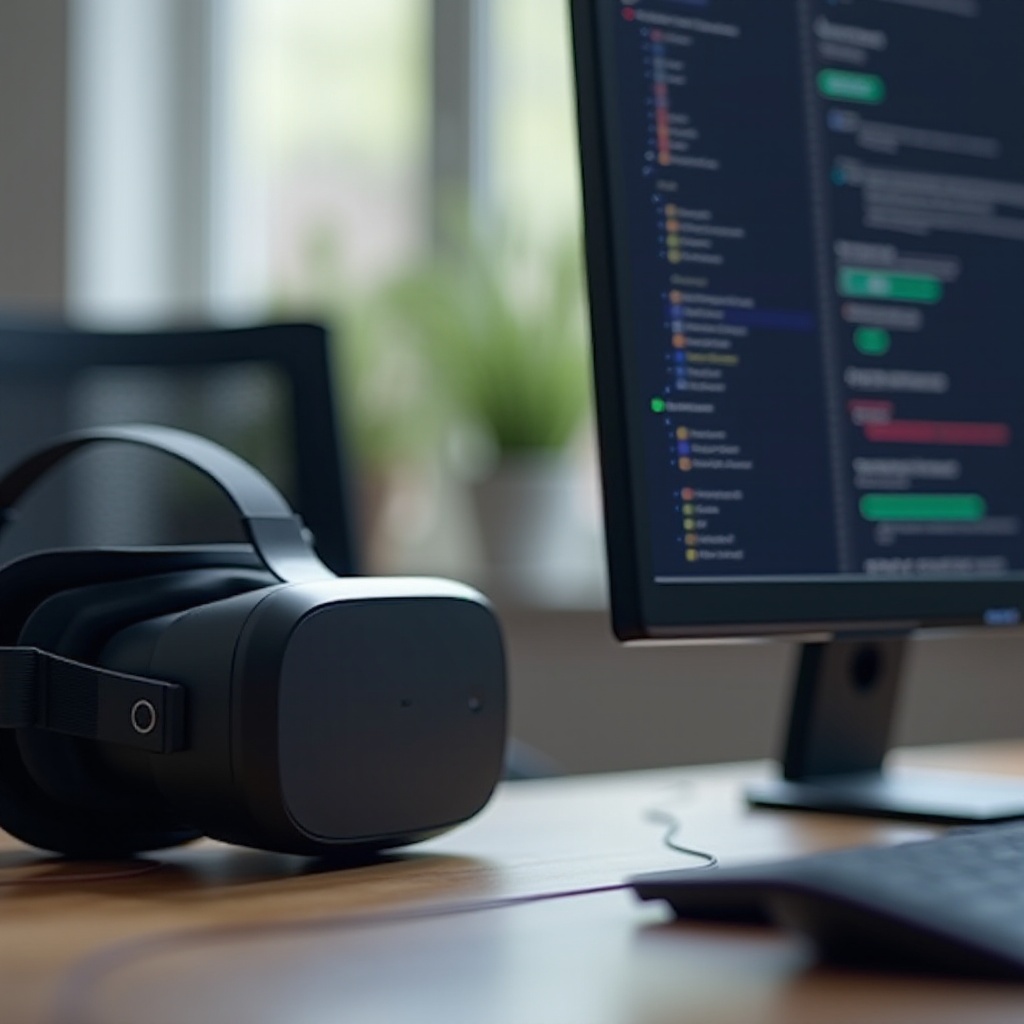
Why Oculus Updates are Essential
Regular updates to your Oculus headset are foundational for optimal performance and user satisfaction. These updates bring performance enhancements, fortify security, and roll out exciting new features. Ignoring updates isn’t advisable as it can leave your device vulnerable to performance hitches and security risks. Updates also rectify bugs, ensuring a smoother user experience.
Understanding why these updates are crucial, let’s examine the mechanics of the update process.
Understanding the Oculus Update Process
Oculus updates, whether firmware or software, are carefully crafted to improve device functionality. Firmware updates dive into the core components of your headset, while software updates enhance the features you engage with daily.
Delivered over-the-air, these updates require your Oculus device to be connected to a stable Wi-Fi network and often require the headset to be charged during the process. Acknowledging this process sets the stage to address the average time commitment involved.
Typical Duration of Oculus Updates
On average, Oculus updates range between 30 to 90 minutes. Minor updates might wrap up quicker, whereas comprehensive updates introducing multiple new features may take at least an hour or more.
Nevertheless, these durations aren’t fixed and can vary based on certain conditions. Identifying these factors can better prepare you for the update process.
Factors Influencing Update Duration
Several factors play a pivotal role in determining how long an Oculus update might take:
1. Internet Connection Speed: Slow network speeds can significantly extend download times, especially for larger updates.
2. Size of the Update: Updates with extensive changes naturally take longer to download and install.
3. Regional Server Load: When an update is newly released, heavy server load can slow down download speeds.
After delving into the affecting factors, next, we explore troubleshooting strategies for situations where updates take longer than anticipated.
Troubleshooting Long or Stalled Oculus Updates
Long or stuck updates can be aggravating, yet they aren’t unsolvable:
1. Check Your Network Connection: Ensure your internet connection is stable and fast.
2. Restart Devices: Resetting your device and router can resolve minor issues.
3. Ensure Sufficient Storage: Verify your device has enough space for the update.
4. Reach Out for Support: Persistent stalls may require professional assistance from Oculus support.
By addressing these potential obstacles, you’re poised for success in future updates, streamlining the process efficiently.

Tips for Efficient Oculus Updates
To guarantee swift and trouble-free Oculus updates, consider these tips:
– Stable Connection: Choose a robust Wi-Fi network for downloads.
– Full Charge: Keep your headset fully charged to prevent interruptions.
– Plan Ahead: Schedule updates during periods of low usage to mitigate downtime.
With these suggestions in mind, you’re well-prepared to handle upcoming updates smoothly. Let’s conclude with some final thoughts.

Conclusion
Oculus updates are vital to maintaining the peak performance of your VR headset. Understanding their durations and the factors affecting them prepares you to manage the process with ease. By staying on top of updates, you ensure uninterrupted access to the latest features, enhancements, and security improvements, enriching your overall VR experience.
Frequently Asked Questions
How can I speed up my Oculus update process?
Ensure a strong internet connection, keep the device charged, and consider scheduling updates during less busy times.
What happens if I interrupt an Oculus update?
Interrupting an update can lead to incomplete installations and device errors. It’s crucial to let updates complete fully.
How often should I check for Oculus updates?
Regularly check for updates at least once a week to keep your device current with the latest features and security patches.