Introduction
Water exposure can cause serious issues for iPhone users. When unexpected splashes or submersion occur, acting swiftly is key to saving your device. This guide provides essential steps to undertake immediately, debunks popular drying myths, and explores professional repair solutions if required. Understanding these processes can help protect your phone and prevent irreversible damage.

Immediate Steps to Take
When water infiltrates your iPhone, quick action is imperative. Begin with these steps:
- Power Off Your Device: Turn off your iPhone right away to prevent short circuits.
- Remove Case and SIM Card: Take off the protective case and remove the SIM card to facilitate moisture escape and reduce corrosion risk.
- Dry the Exterior: Use a soft cloth to gently wipe the phone. Press lightly to avoid pushing water inside.
Clear understanding of what to avoid next can be equally important in preserving your device.
What Not to Do
In a state of panic, it’s easy to take actions that could worsen the damage. Avoid these common errors:
- Avoid Heat Sources: Don’t use a hairdryer or microwave to dry your phone as heat can damage internal components.
- Don’t Shake the Phone: Shaking might force water deeper into the circuitry.
- Avoid Charging: Refrain from charging your phone while it’s wet to prevent further damage.
Having avoided these mistakes, you can now use effective drying techniques to mitigate water damage.
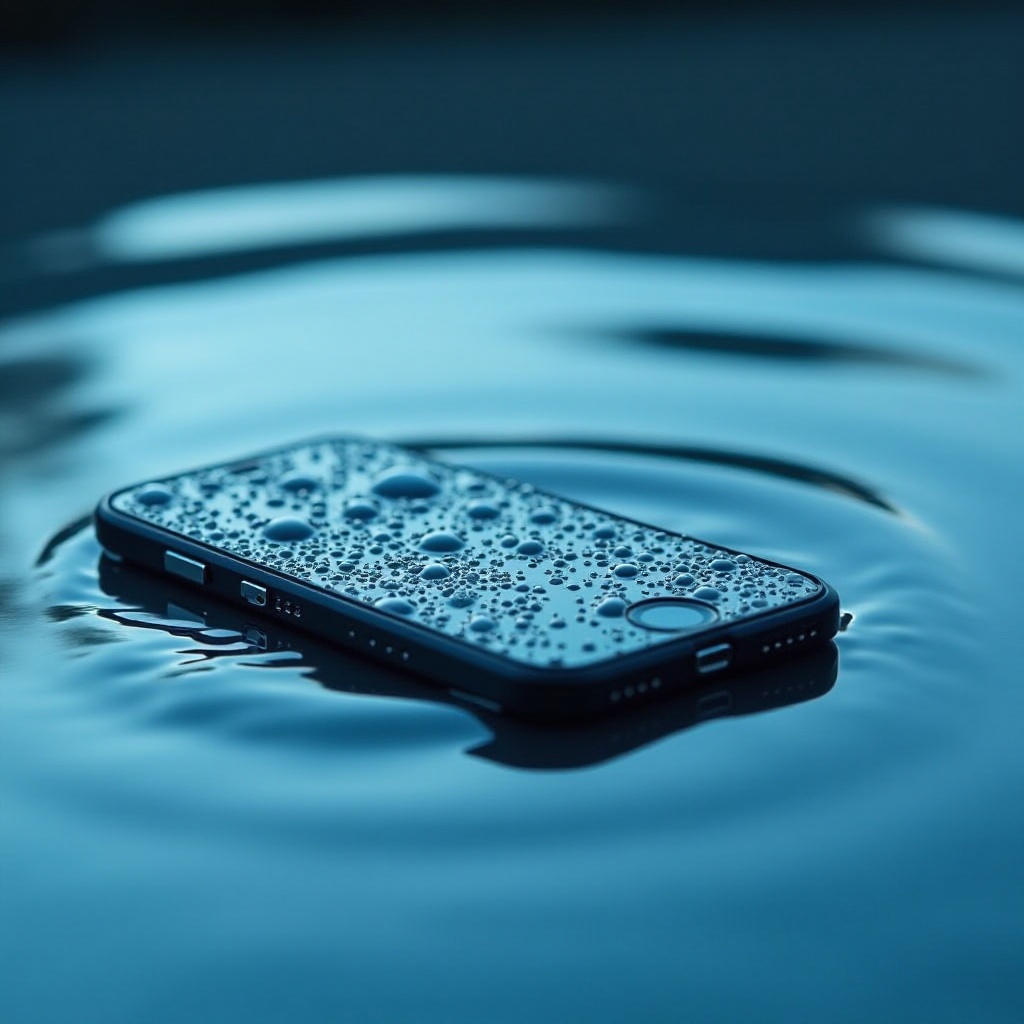
Effective Drying Techniques
Proper drying techniques significantly impact your phone’s recovery. Consider employing these methods:
- Air-Drying: Let your phone air-dry in a well-ventilated space for at least 24 hours. Stand the phone upright to encourage moisture to drip out.
- Silica Gel Packets: Place your phone in a sealed container with silica gel packets, commonly found in shoeboxes. They effectively absorb moisture, making them preferable to rice.
- The Rice Myth: Contrary to popular belief, uncooked rice is not highly effective in absorbing moisture and may leave starch inside your phone.
Once you have utilized drying techniques, proceed to assess potential signs of persistent water damage.
Assessing Water Damage
After allowing your phone to dry, it is crucial to evaluate it for any signs of damage:
- Water Damage Indicators: Check for red liquid contact indicators (LCIs) inside your phone, usually found near the SIM card slot or charging port, to see if they have been activated by moisture.
- Recognizing Symptoms of Damage: Be alert for display malfunctions, sound issues, or moisture beneath the screen, all indicative of serious internal damage.
In cases where DIY methods fall short, you may need professional repair services to restore your device.
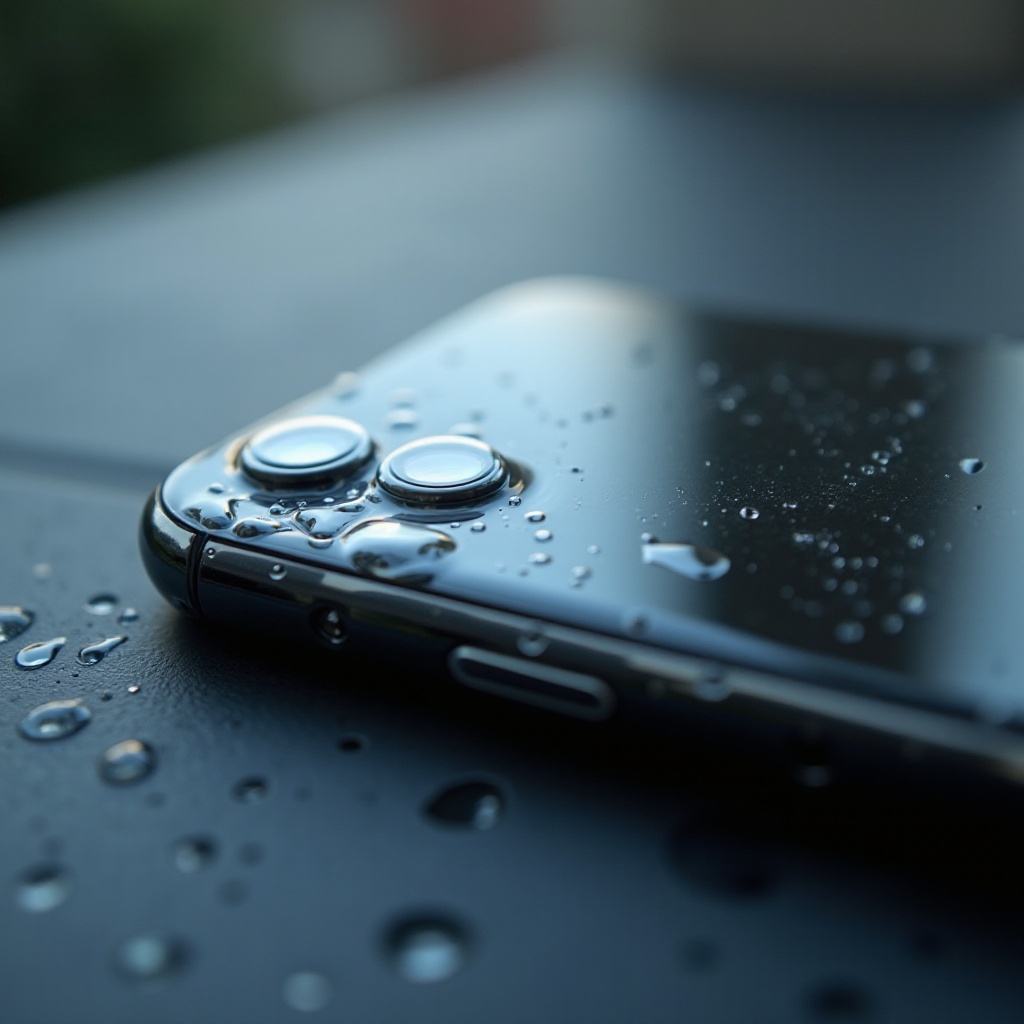
Professional Repair and Service Options
If problems persist after drying, professional help may be necessary:
- Know When to Seek Help: Persistent issues such as an unresponsive screen or other malfunctions signal the need for professional intervention.
- Finding a Reliable Service Provider: Search for certified Apple service centers or reputable shops with positive reviews. Consider repair costs, estimated time commitments, and warranties when choosing.
Having your phone restored professionally, it’s wise to adopt preventive measures to avoid future problems.
Preventative Measures for Future Protection
To avoid future incidents, taking precautionary measures can save stress and costs:
- Invest in a Waterproof Case: A high-quality waterproof case can provide substantial protection against water ingress and is worth the investment if exposure is a common risk.
- Additional Tips: Always be mindful of where you use your phone. Keep it clear of water-prone areas, and consider waterproof pouches for added safety.
Conclusion
Acting quickly and correctly when water contacts your iPhone can greatly enhance its chances of recovery. From timely power-offs and efficient drying to expert repair assistance, these strategies are vital. By implementing preventative measures, you can fortify your device against future watery mishaps.
Frequently Asked Questions
What should I do if my iPhone won’t turn on after getting wet?
If your iPhone won’t turn on, it likely requires professional repair. Avoid repeatedly trying to power it on, as this may exacerbate the damage.
How can I tell if my iPhone is waterproof?
Most iPhones offer some level of water resistance, indicated by an IP rating. Review the specifications for your specific model but remember, resistance might decrease over time.
Is using uncooked rice effective for drying a wet iPhone?
Uncooked rice is not highly effective. It risks leaving residue inside the device. Instead, use silica gel packets, which are better moisture absorbers.